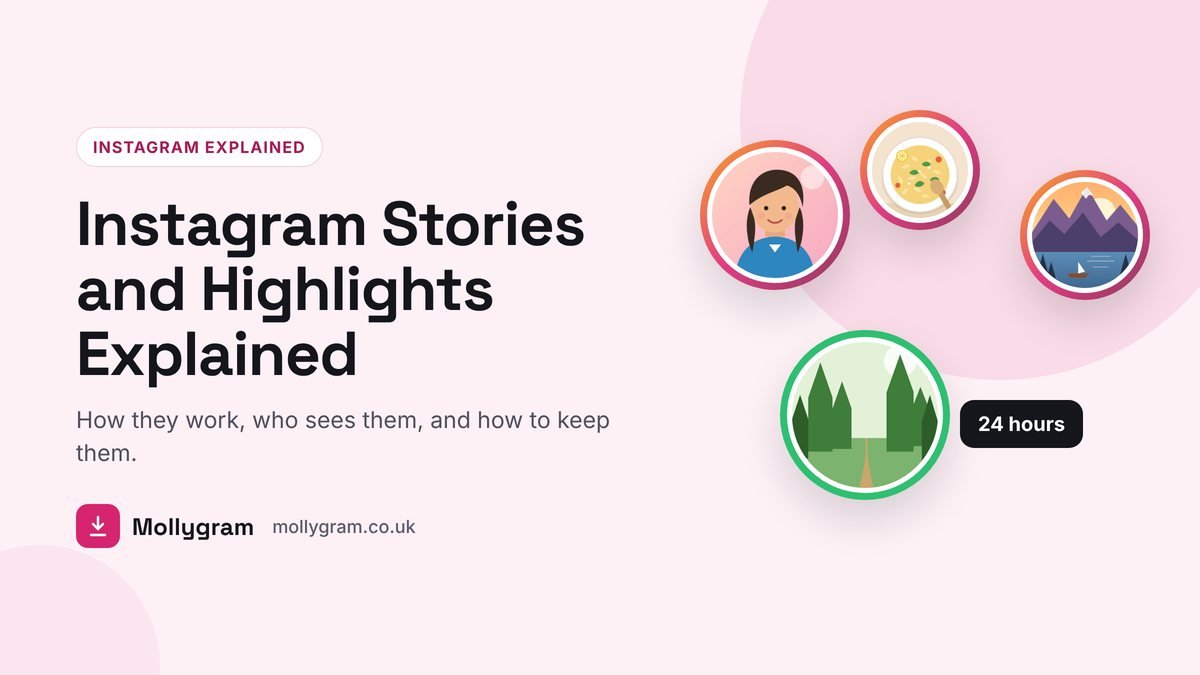
Stories are the circles at the top of your Instagram app: quick photos and videos that disappear after a day. Highlights are the circles on someone’s profile that keep their favourite stories around for longer. Here’s how both work, in plain English.
What is an Instagram Story?
A story is a photo or short video that appears at the top of your followers’ feeds and disappears after 24 hours. People use them for everyday moments: what they’re having for lunch, behind-the-scenes clips, polls and questions.
- Stories fill the whole screen in a tall, 9:16 shape.
- A coloured ring around someone’s profile picture means they have a new story.
- A green ring means it’s a Close Friends story, shared with a smaller group.
Who can see my stories?
- Public account: anyone on Instagram can see your stories, unless you’ve hidden your story from them.
- Private account: only your approved followers.
- Close Friends: only the people on your list.
You can hide your stories from specific people under Settings → Story and live, or whatever Instagram calls it in your version. They won’t be told.
Who has viewed my story?
Swipe up on your own story to see who’s watched it. The list is available while your story is live and for a short time afterwards, roughly 48 hours in total. After that, you’ll only see the total number of views.
Where do stories go after 24 hours?
If Story archive is turned on (it is by default), Instagram keeps a private copy of every story you post. Only you can see it. Find it at Profile → menu → Archive.
This is also where you’ll find old stories you want to turn into highlights.
What are Highlights?
Highlights are collections of stories pinned to your profile, just under your bio. Unlike normal stories, they don’t disappear after 24 hours. They stay until you remove them.
People use them for things like:
- Travel: one highlight per trip;
- Shops and businesses: prices, reviews, opening hours, FAQs;
- Creators: tutorials, collaborations, “start here”.
How to create a highlight
- Go to your profile and tap the + New circle under your bio.
- Pick stories from your archive.
- Give the highlight a name and choose a cover image.
- Tap Done or Add.
To add a story while it’s live, tap Highlight at the bottom of the story.
Who can see highlights?
The same people who can see your stories. If your account is private, only your followers can see your highlights.
How to save your own stories
- While posting: tap the download icon on the editing screen to save it to your phone.
- After posting: open your story or archive, tap More (the three dots) and choose Save.
- Everything at once: use Instagram’s Download your information tool. See how to back up your Instagram posts.
Can I download someone else’s story with Mollygram?
Not yet. Our Story and Highlights Downloader is coming soon. For now, Mollygram can save public posts, Reels, photos and profile pictures. And when it arrives, the same rule will apply as everywhere on Mollygram: only public content, and please respect the creator.
Common questions
Does Instagram tell people if I screenshot their story?
No. Instagram doesn’t notify people about screenshots of normal stories. It may tell people about screenshots of disappearing photos or videos sent in direct messages.
Can I see who viewed my highlight?
Only for about 48 hours after the original story was posted. After that, you’ll only see the total number of views.
Do stories count towards my profile grid?
No. Stories and highlights sit above your grid and don’t appear in it, unless you share them separately as a post.
Related guides
- Instagram privacy settings that control what people can download
- Instagram photo and video sizes explained
2 thoughts on “Instagram Stories and Highlights Explained: A Beginner’s Guide”