Ever posted a photo and found Instagram has chopped off someone’s head? Or downloaded a Reel and wondered why it looks different on your laptop? It all comes down to sizes and shapes.
Here’s everything you need to know, without the jargon.
Two words that make it easier
- Size (or resolution) is how many pixels wide and tall an image is, such as 1080 × 1350.
- Shape (or aspect ratio) is how wide it is compared with how tall, such as 4:5. Two images can be different sizes but the same shape.
Instagram mostly shows content 1080 pixels wide. If you upload something bigger, Instagram shrinks it. If it’s smaller, Instagram stretches it, and it may look soft.
The main sizes at a glance
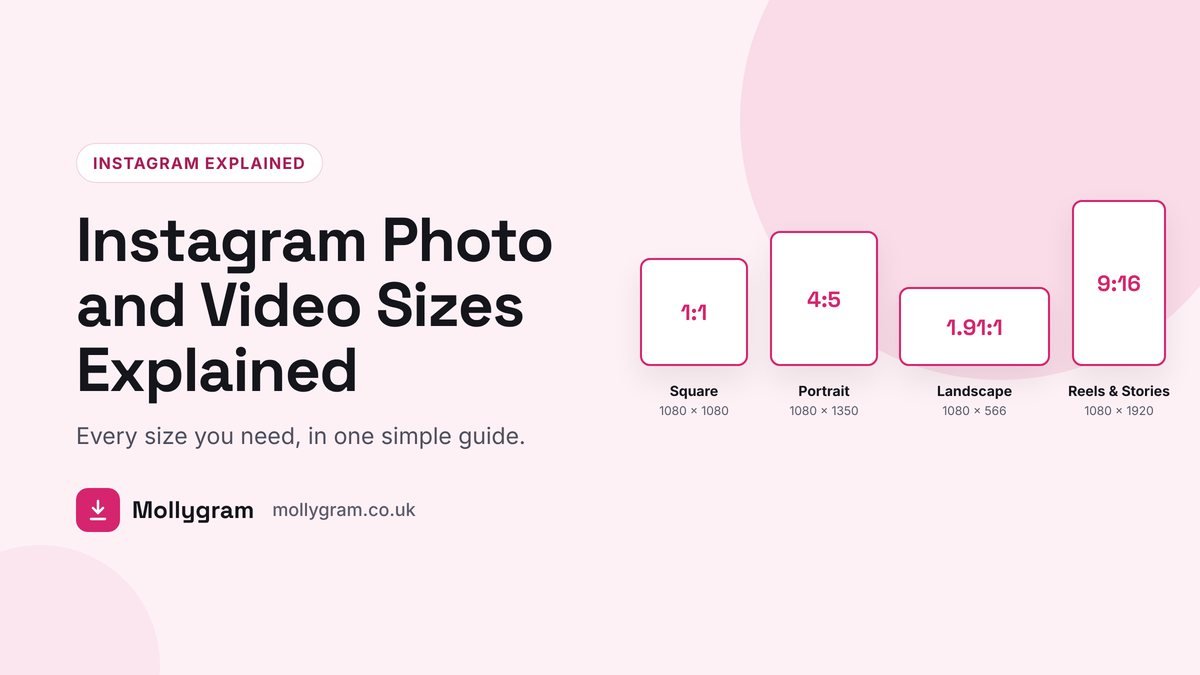
| What you’re posting | Shape | Best size (pixels) |
|---|---|---|
| Square photo | 1:1 | 1080 × 1080 |
| Portrait photo | 4:5 | 1080 × 1350 |
| Tall photo | 3:4 | 1080 × 1440 |
| Landscape photo | 1.91:1 | 1080 × 566 |
| Reels | 9:16 | 1080 × 1920 |
| Stories | 9:16 | 1080 × 1920 |
| Profile picture | 1:1 (shown as a circle) | 320 × 320 or larger |

Posts and carousels
Portrait (4:5) is the most popular shape for posts because it takes up the most space in people’s feeds. Instagram has also started accepting taller 3:4 photos, the shape most phone cameras take.
In carousels, every photo and video uses the same shape as the first one. If your first image is square, Instagram crops the rest to square too, so put your best-framed photo first.
Your profile grid
Your grid no longer shows perfect squares. Instagram now shows posts as taller rectangles on your profile, which means the top and bottom of square photos can be trimmed in the grid. You can usually adjust the grid preview when you post, or later by editing the post.
Reels and stories
Both are full-screen and vertical: 9:16, ideally 1080 × 1920.
Keep text and faces away from the very top and bottom. Usernames, captions and buttons sit over those areas, so anything important there may be hidden.
Profile pictures
Instagram shows your profile picture as a small circle, but stores a larger square version. Upload a square image at least 320 × 320 pixels with your face, or logo, in the middle, so nothing gets cut off by the circle. You can see how any profile picture looks in full with our Profile Picture Downloader.
What size are downloads from Mollygram?
Mollygram saves the largest version Instagram has, without resizing or compressing it further:
- Photos usually come out at 1080 pixels wide, sometimes larger.
- Reels and videos are usually 720p or 1080p, depending on what the creator uploaded.
- Profile pictures come out at the biggest size Instagram stores for that account.
If a download looks small or blurry, that’s almost always because the original upload was small. Read more in why your Instagram download isn’t working.
Common questions
What’s the best size for an Instagram post?
For most posts, 1080 × 1350 (portrait, 4:5). It takes up the most space in the feed and looks good on every phone.
Why does Instagram crop my photos?
Instagram only accepts certain shapes. If your photo is taller or wider than it allows, Instagram crops it to fit. Crop it yourself before you post, so you choose what stays in.
Can I download Instagram photos in a bigger size than they appear?
Mollygram saves the largest version Instagram has, which is often bigger than what you see in the app. It can’t make a photo bigger than the version Instagram stores.
More about Instagram Photos & Posts
Start here: Instagram Photo Downloader