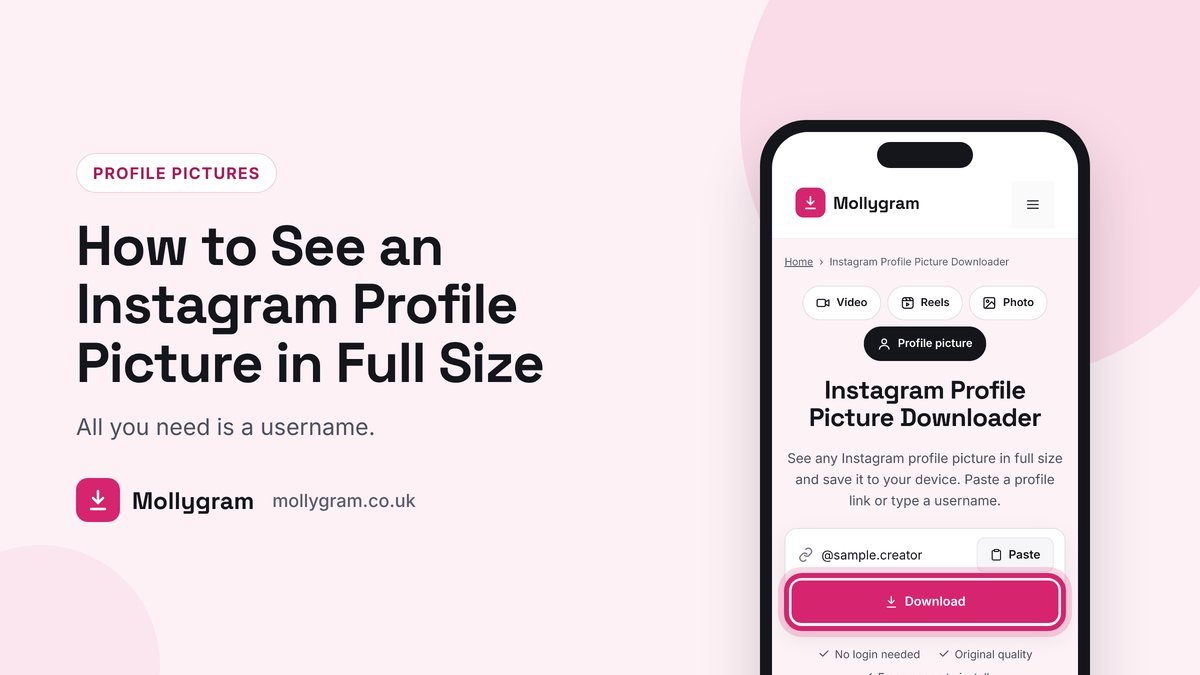
You get a follow request, a message or a comment from an account you don’t recognise. You tap their profile, and the only clue to who they are is a profile picture the size of a fingernail. Instagram doesn’t let you tap to make it bigger.
Here’s how to see any Instagram profile picture in full size in a few seconds, and what to keep in mind when you do.
Step 1: Find the username
The username is the name after the @. You’ll find it:
- at the top of the person’s profile in the app;
- above any of their posts or next to their Reels;
- in a profile link: in instagram.com/username, it’s the part after the slash.
Step 2: Type it into Mollygram
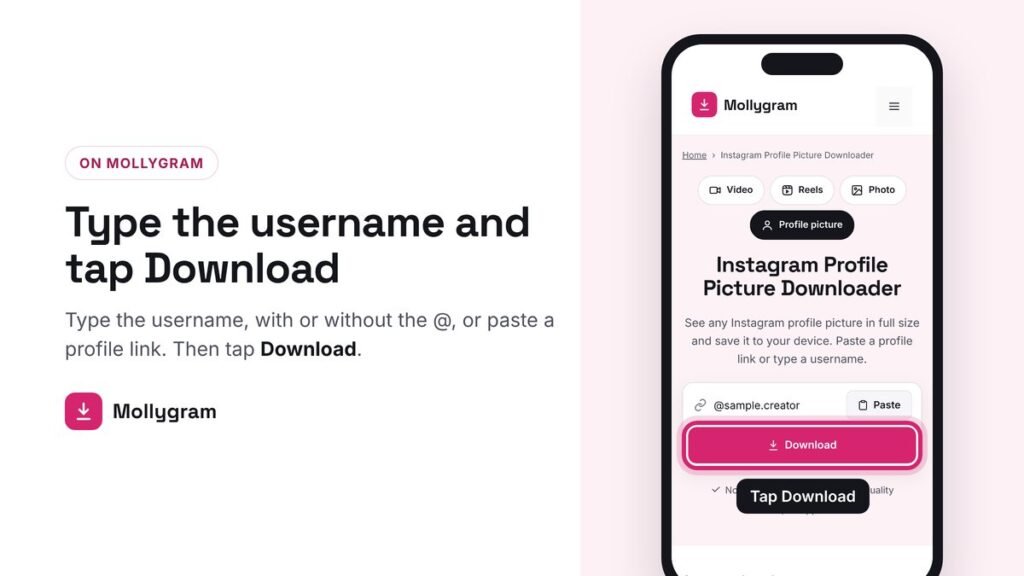
Open the Mollygram Profile Picture Downloader. Type the username, with or without the @, or paste the profile link. Then tap Download.
Step 3: See it, and save it if you need to
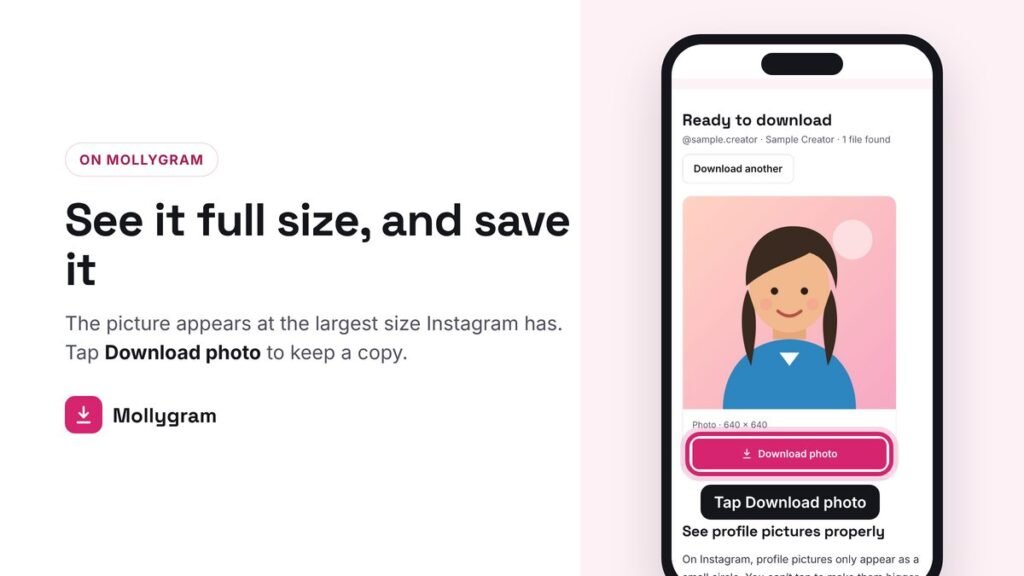
The profile picture appears at the largest size Instagram stores for that account. Tap Download photo if you’d like to keep a copy.
Why is the picture still small or blurry?
Mollygram can only show what Instagram has. If someone uploaded a small, cropped or low-quality photo, that’s the biggest version available. It’s also common for people to use a logo, a cartoon or a group photo, so a bigger picture doesn’t always tell you who’s behind the account.
Good reasons to check a profile picture
- Before accepting a follow request from someone you might know.
- Before buying from a shop you found on Instagram.
- When several accounts have similar names and you want the right one.
- When you’ve lost your own profile picture and want the original back.
If you’re checking whether an account is real, the picture is only one clue. Our guide on how to spot a fake Instagram account covers the rest.
Does it work for private accounts?
In most cases, yes. Instagram shows profile pictures publicly even when an account is private, so anyone can see them. Everything else on a private account stays private: you won’t see any posts, Reels or stories.
Please use it kindly
A profile picture is often a real person’s face. It’s fine to look at it, and to save your own. It’s not fine to use someone’s photo to pretend to be them, to make fun of them or to keep track of them without their knowledge. If you wouldn’t be happy with someone doing it to you, don’t do it to them.
Common questions
Will the person know I looked at their profile picture?
No. Mollygram doesn’t send any notification, and it doesn’t use your Instagram account.
Do I need an Instagram account?
No. A username is all you need.
Why does it show an old picture?
If someone has just changed their profile picture, Instagram can take a little while to show the new one everywhere. Try again later.
More about Profile Pictures & Accounts
Start here: Instagram Profile Picture Downloader