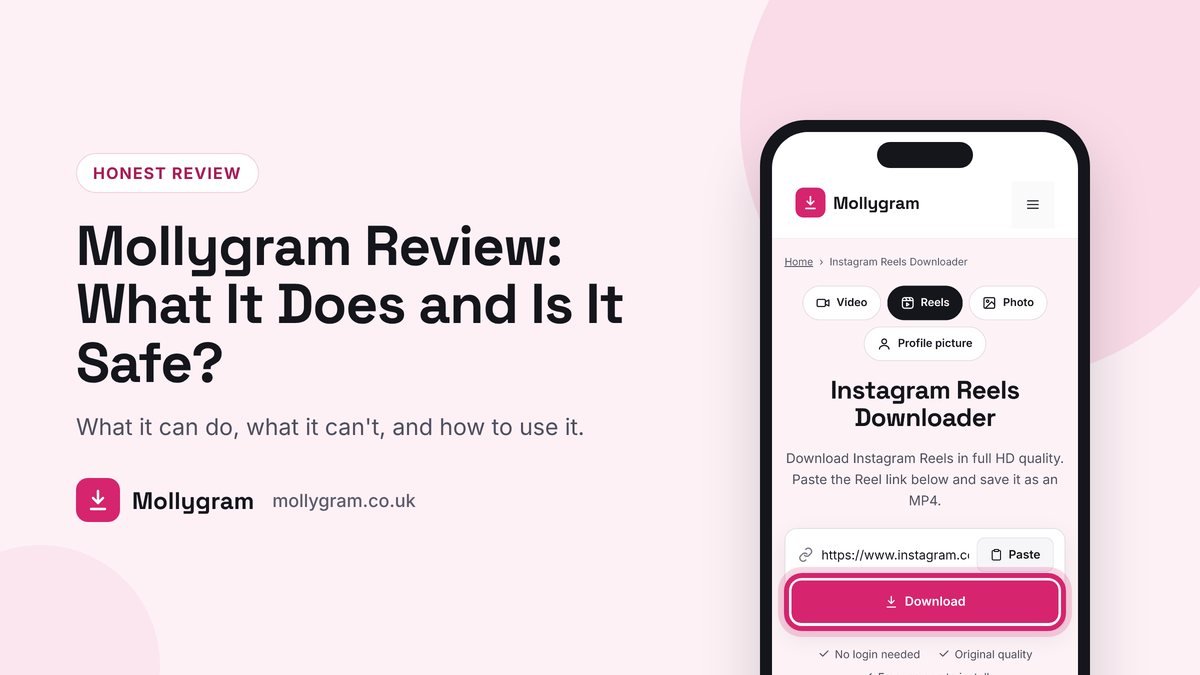
We make Mollygram, so take this review with that in mind. We’ve tried to be straight with you about what it does well, what it doesn’t do (yet) and how it keeps you safe.
What is Mollygram?
Mollygram is a free website for saving public Instagram content. You paste a link (or type a username), press Download, and save the file to your phone or computer. There’s no app to install and no Instagram login.
What can you save?
| Tool | What it saves |
|---|---|
| Reels Downloader | Reels as MP4 videos with sound, plus their cover image |
| Video Downloader | Videos from posts, in the best quality Instagram has |
| Photo Downloader | Single photos and every slide of a carousel post |
| Profile Picture Downloader | Profile pictures at full size, from a username |
A Story and Highlights Downloader is coming soon. Until then, Mollygram doesn’t download Stories.
How to use it
- In Instagram, open the post or Reel, tap Share, then Copy link.
- Go to mollygram.co.uk and open the right tool.
- Paste the link and tap Download.
- Tap Download video or Download photo to save the file.
For step-by-step help on your device, see our guides for iPhone, Android and PC, Mac or Chromebook.
Is Mollygram safe?
- No login, ever. Mollygram never asks for your Instagram password, so it can’t access your account.
- Nothing to install. It works in your normal web browser.
- Public content only. It can’t see private accounts, and nor can any honest tool.
- No watermark added. Files are saved exactly as Instagram stores them.
- We don’t keep the files. They come from Instagram when you ask and go straight to you.
You can read the details in our privacy policy.
Is it legal?
Saving public content to watch later for yourself is how most people use Mollygram. Reposting someone else’s content is different: it still belongs to the creator. Our plain-English guide explains more: Can you download Instagram videos legally in the UK?
Pros and cons
What we think it does well:
- fast and free, with no sign-up;
- full-quality videos with sound, and every slide of a carousel;
- works on iPhone, Android and computers;
- no watermarks and no pop-up app downloads.
What it doesn’t do (yet):
- Stories and Highlights (coming soon);
- private accounts (and it never will);
- downloading a whole profile in one go.
How does it compare with other tools?
There are many Instagram viewers and downloaders, and we’ve reviewed lots of them. See all our tool reviews in one place, along with a quick checklist for spotting unsafe sites.
Common questions
Is Mollygram free?
Yes. All the tools are free to use, with no account needed.
Does Mollygram show who viewed my posts or let me view stories anonymously?
No. Mollygram saves public posts, Reels, photos and profile pictures. It doesn’t track who viewed anything, and Story downloads are coming soon.
Why isn’t my download working?
The most common reasons are a private account, a deleted post or an in-app browser. See 8 common problems and how to fix them.
More about Tool Reviews
Start here: Instagram Viewer and Downloader Tools: All Our Reviews in One Place
- How to Use StoriesIG to View Instagram Stories
- Turn X posts into listening exercises — a language teacher’s guide to downloading Twitter video, audio, and more
- How to use a video downloader to save TikTok and Facebook content for free
- Snapsave – Easy Facebook Video Downloader
- How to View Instagram Stories Anonymously with Megastory