How to Download Instagram Reels on iPhone (Step by Step)
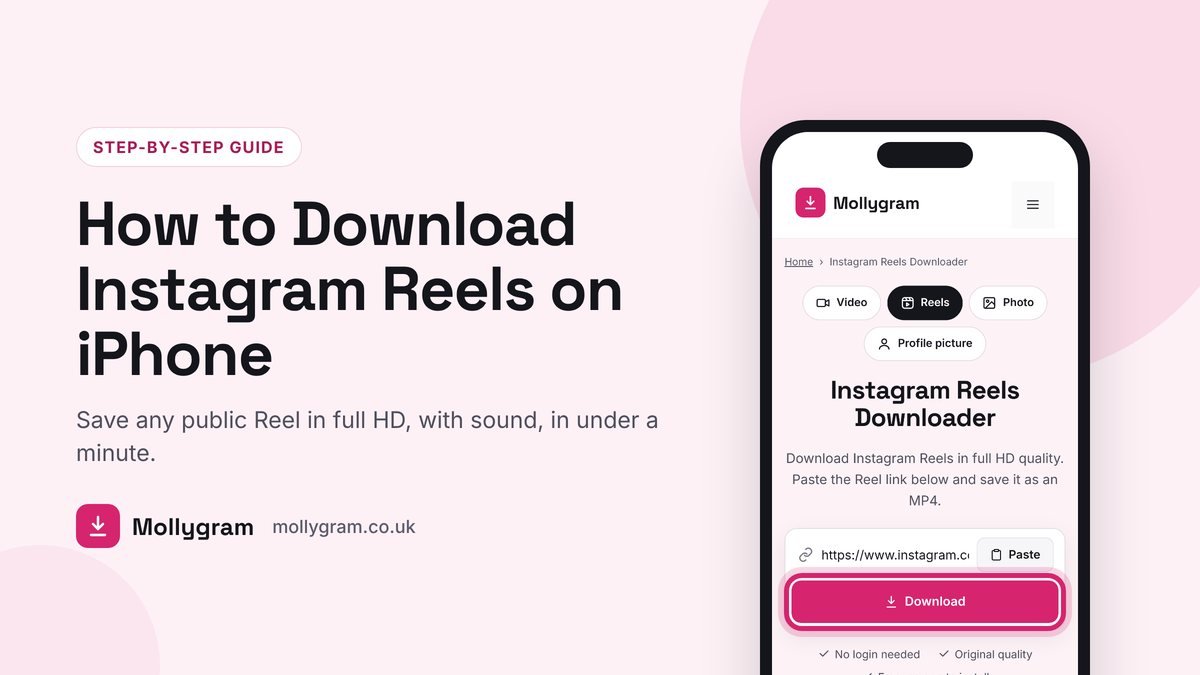
Save any public Reel to your iPhone in under a minute, with sound and in full HD. No app, no login, just Safari.
Easy guides to saving and using Instagram Reels: on iPhone and Android, with sound, covers, music and watermarks explained.
Start here: Instagram Reels Downloader
Save any public Reel to your iPhone in under a minute, with sound and in full HD. No app, no login, just Safari.

Save Instagram Reels to your Android phone in full HD, with sound. Works in Chrome or Samsung Internet, with no app to install.
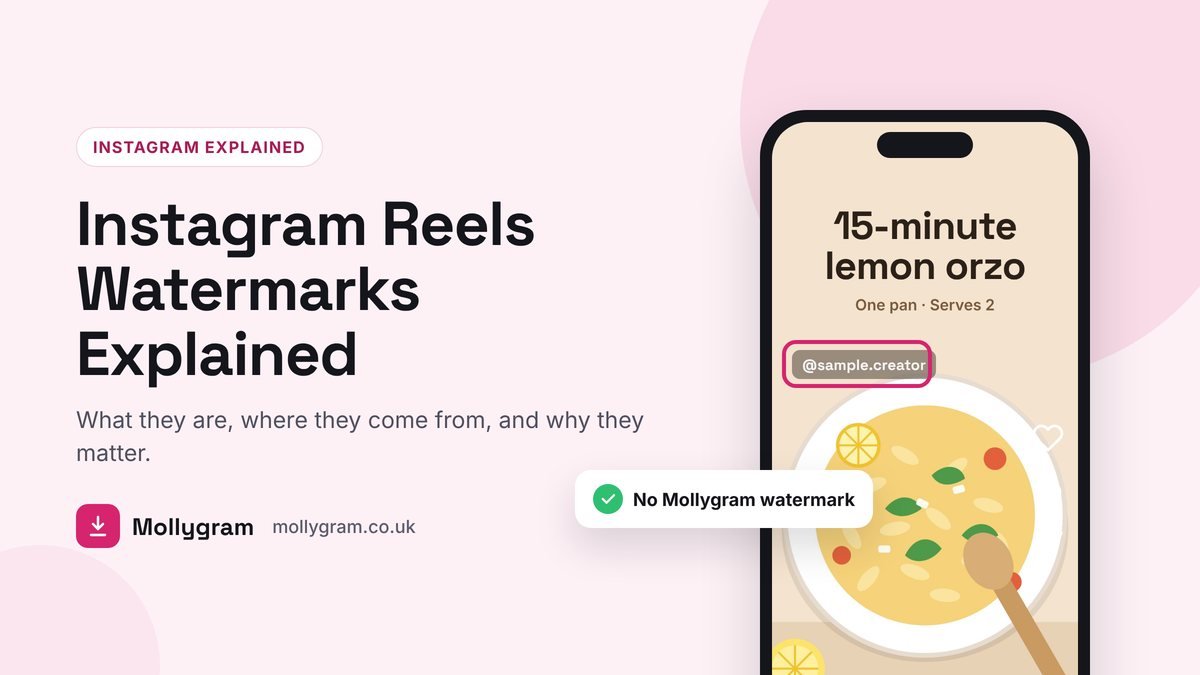
Why do some downloaded Reels have a watermark and others don’t? What Instagram’s watermark is, and why creators’ own marks should stay.
Can you download a Reel with its music, and what happens if you reuse it? A simple guide to music licensing on Instagram.
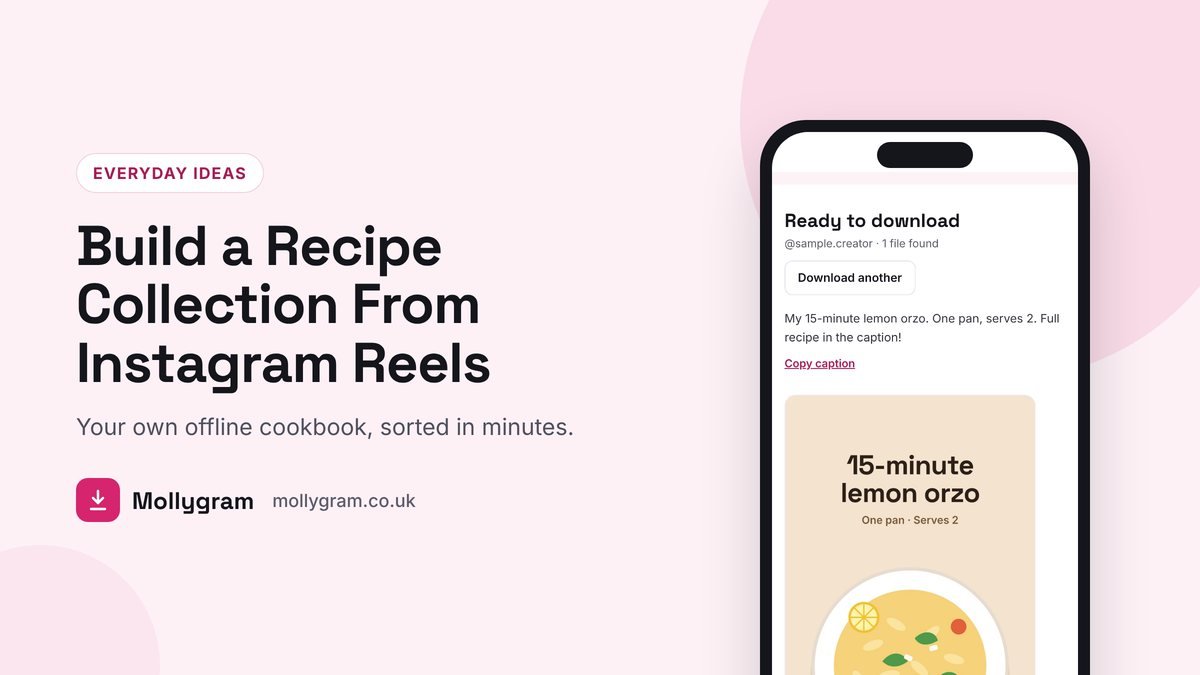
Stop losing recipes in your Saved folder. A simple way to turn recipe Reels into your own organised, offline cookbook.

Want the cover image from a Reel, not the whole video? How to save a Reel’s thumbnail in full quality, plus tips for better covers.
A video that took an hour to film should not have to live on one app. Many creators and small brands post on TikTok first, then rebuild the same idea from scratch for Instagram, or never get around to it. A TikTok Downloader shortens that job by saving your own videos as MP4 files you … Read more