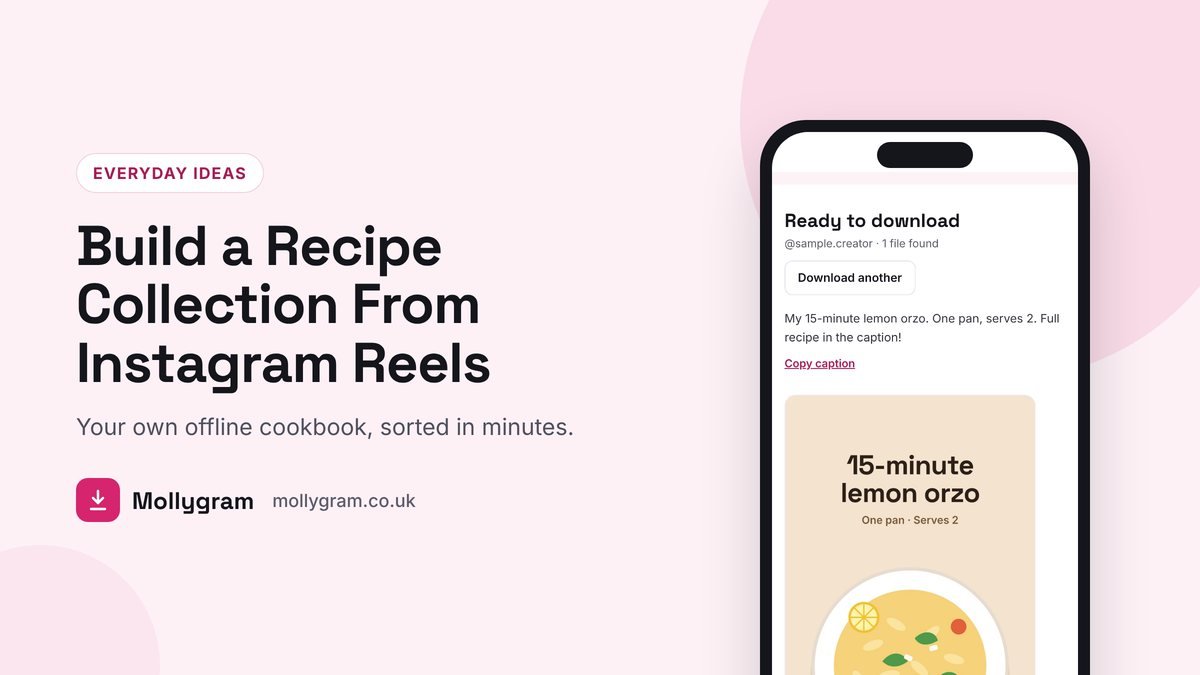
Instagram is full of brilliant recipes: fifteen-minute dinners, one-pan bakes, the perfect crispy potatoes. The problem is finding them again. They get buried in your Saved folder, the caption with the ingredients is hard to read while you cook, and sometimes the Reel has simply vanished.
Here’s a simple way to build your own recipe collection that works offline, stays organised and is easy to use in the kitchen.
Step 1: Save the Reel itself
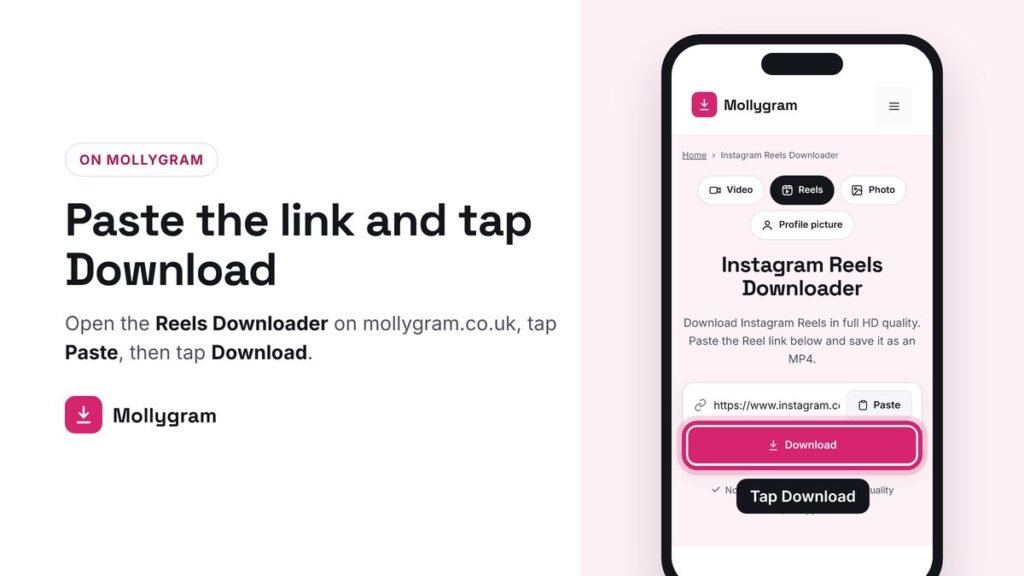
Open the recipe Reel, tap Share, then Copy link. Paste it into the Mollygram Reels Downloader and tap Download. The video saves to your phone in full quality, with sound.
If it’s a photo recipe, such as a carousel with one step per slide, use the Photo Downloader instead. It shows every slide from one link, so you can save them all.
Step 2: Copy the ingredients
Most recipe creators put the ingredients and method in the caption. To copy it:
- In Instagram, tap more to open the full caption, then press and hold the text to copy it. Not every phone allows this; if yours doesn’t, the caption is also shown on Mollygram when you download the Reel.
- Paste it into a note along with the creator’s name.
Step 3: Put everything in one place
Pick whichever of these suits you best:
| Option | Good for |
|---|---|
| A photo album, such as “Recipes” in Photos or Google Photos | Quick and simple. Everything is with your other photos and videos. |
| A notes app, such as Apple Notes, Google Keep or OneNote | Video, ingredients and your own tweaks together on one page. |
| A recipe app, such as Paprika or Recipe Keeper | Shopping lists, meal plans and scaling recipes up or down. |
| A shared album or note | Planning meals with your partner, family or housemates. |
A tidy way to name things
Give each recipe the same simple name pattern, so they’re easy to search:
- Meal type, dish, creator. For example: *Dinner: Lemon chicken orzo (@sample.creator)*
Then create a few folders or albums, such as Quick dinners, Baking, Lunchboxes, Sunday treats.
Step 4: Make it kitchen-friendly
- Turn on auto-lock delay (or “Screen timeout” on Android) while you cook, so your screen doesn’t keep going dark.
- Pause and scrub through the video to find each step. Downloaded videos let you do this easily, unlike Reels in the app, which keep looping.
- Add your own notes, such as “used half the chilli” or “double the sauce next time”.
Always keep the creator’s name
Every recipe in your collection came from someone who developed and filmed it. Keep their @username with it, so you can find more of their recipes and give them credit if you ever share one. Our guide on how to credit Instagram creators explains how to do it properly.
Common questions
Do I need an Instagram account to download recipe Reels?
No. As long as the recipe is on a public account, all you need is the Reel’s link.
Can I print a recipe from a Reel?
Copy the caption into a notes app or document, add your own notes, and print that. Keep the creator’s name at the top.
Will the creator know I saved their recipe?
No. Downloading with Mollygram doesn’t notify anyone. If you love a recipe, though, a like or a comment is a nice way to say thanks.
Related guides
- How to download Instagram Reels on iPhone
- How to download Instagram Reels on Android
- How to watch Instagram videos offline
More about Instagram Reels
Start here: Instagram Reels Downloader