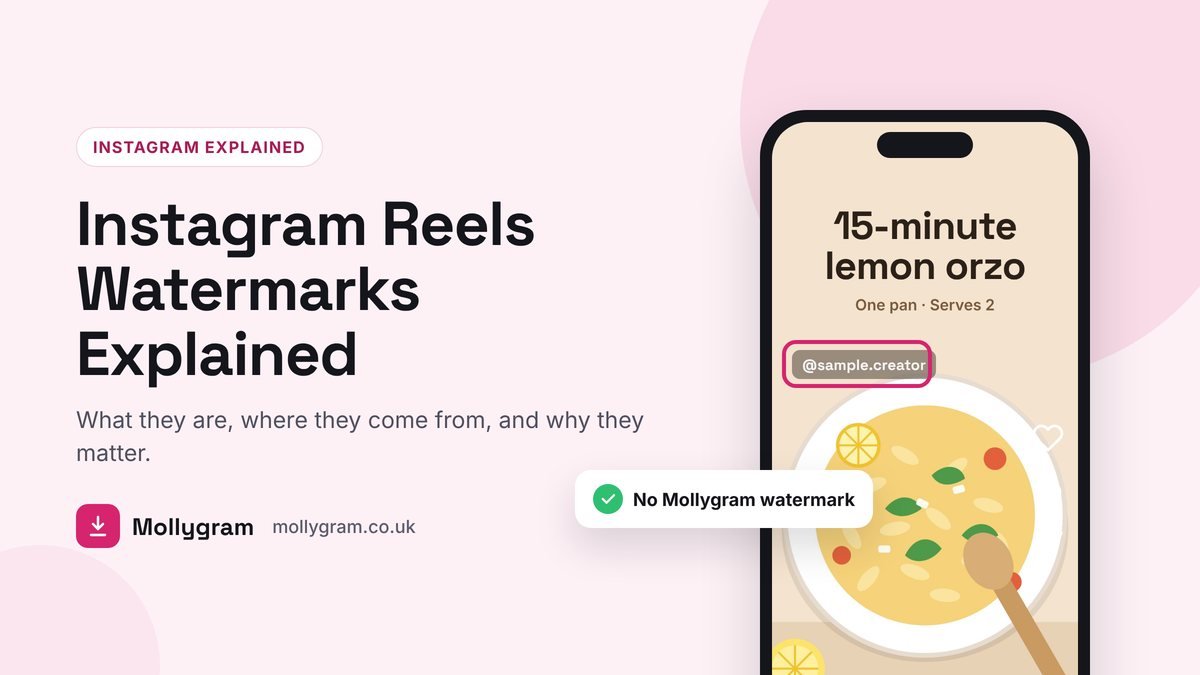
If you’ve downloaded Reels in different ways, you’ve probably noticed that some come with a bouncing Instagram logo and a username, and some don’t. Here’s why, and what it means for how you use them.
Two different kinds of watermark
There are two kinds of watermark you might see on a Reel, and they come from different places.
1. Instagram’s own watermark
Instagram lets you download some public Reels straight from the app, using Download in the share menu, if the creator allows it. When you do, Instagram adds its logo and the creator’s username to the video. This happens at the moment you download, so the watermark isn’t part of the original.
2. The creator’s watermark
Many creators add their own name, logo or website to their videos while editing. This is part of the video itself. It’s the creator’s way of making sure people know who made it, wherever it ends up.
What Mollygram does
Mollygram saves the video file exactly as Instagram stores it, so:
- It doesn’t add a watermark. No Mollygram logo, ever.
- It doesn’t add Instagram’s download watermark, because that only appears when you download through the Instagram app.
- It doesn’t remove anything. If the creator added their own name or logo, it stays.
That makes Mollygram a good choice when you want a clean copy to keep for yourself, such as a workout to follow or a recipe to cook from.
Why creators’ watermarks should stay
A creator’s watermark is often the only thing linking a video back to them once it’s shared. Cropping it out, blurring it or covering it with a sticker:
- takes away the credit they’ve earned;
- makes it look as though you made the video;
- can break Instagram’s rules and copyright law, especially if you repost it.
If you’d like to share a Reel with your followers, the easiest and fairest way is to share it to your story, or ask the creator and credit them properly. Our guide on how to credit Instagram creators shows you how.
Can I add my own watermark to my Reels?
Yes, and it’s a good idea if people often share your videos. Add a small, semi-transparent username in a corner while you edit, away from the very top and bottom of the screen, where Instagram’s buttons sit. That way, your name travels with your video.
Common questions
Why does my downloaded Reel have no sound?
Some Reels use music that’s licensed for Instagram only, or the creator posted it without sound. See Reels with music: what you need to know.
Why can’t I see a Download button in Instagram?
The creator may have turned off downloads for their Reels, or the account may be private. You can still save public Reels with Mollygram.
Is it OK to repost a Reel without a watermark?
No. Not having a watermark doesn’t change who owns the video. Ask permission and credit the creator.
More about Instagram Reels
Start here: Instagram Reels Downloader